MCP Servers for Video Editing Pipelines
AI agents need standardized tools to edit video without custom code for every operation.
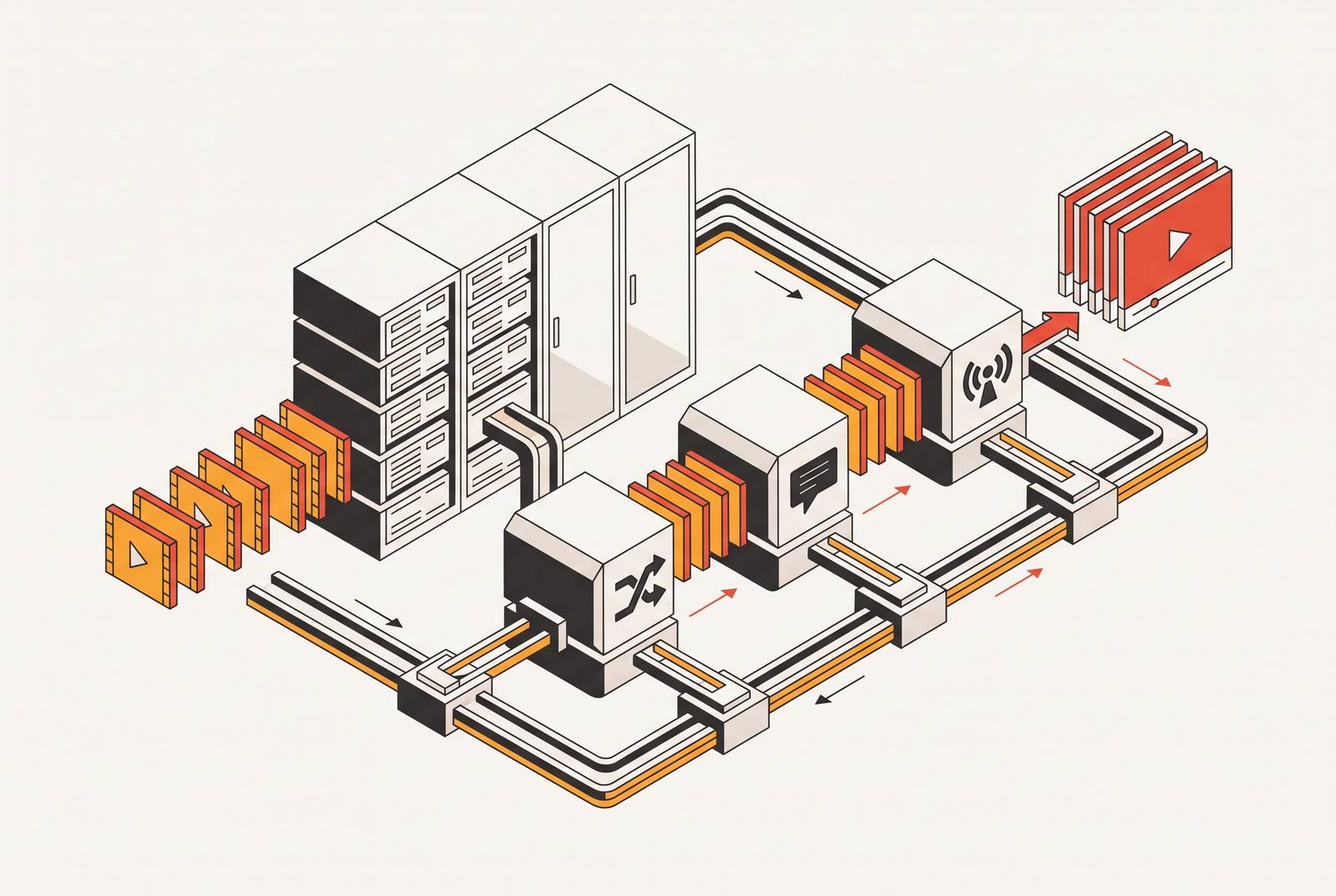
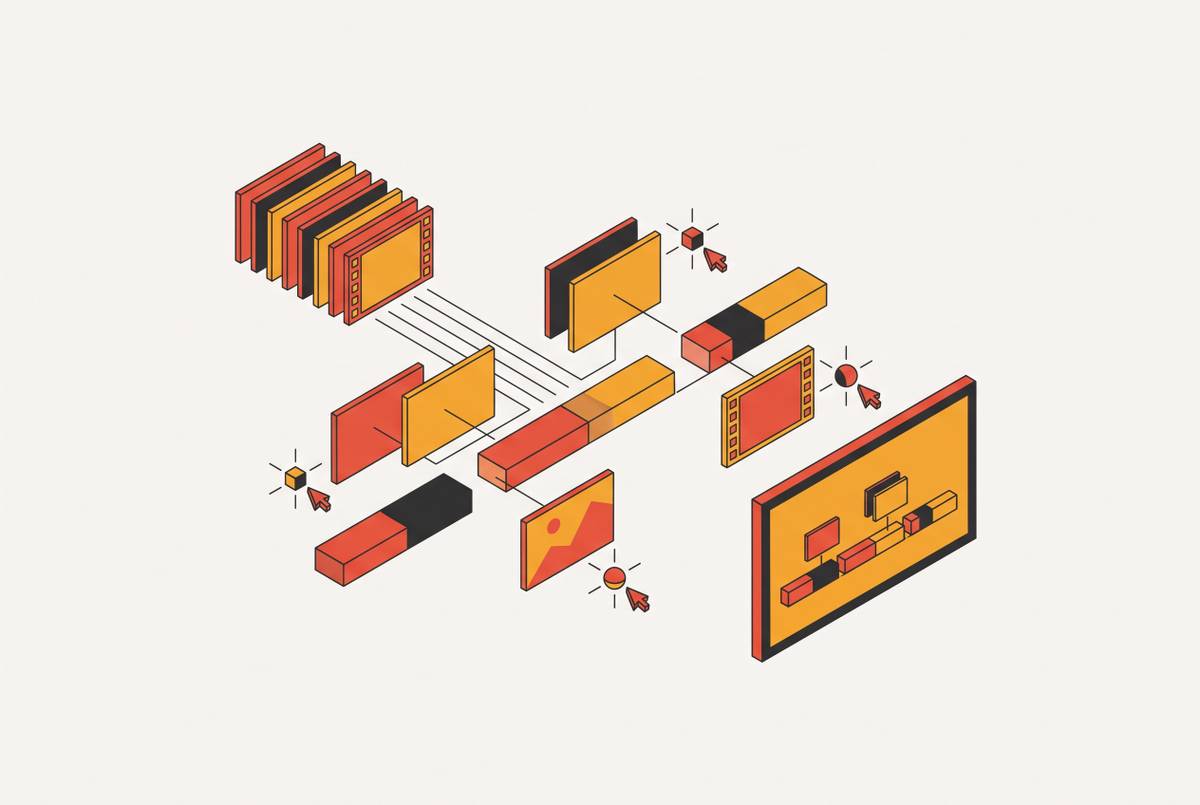
MCP servers are the connective tissue that lets an AI agent discover and run video editing operations, trimming, captioning, rendering, reordering, just by being asked in everyday conversational requests. No custom integration code required.
A language model, by itself, cannot open a file. It cannot decode audio. It cannot encode a video stream. It's a very well-read brain with no hands. Connect it to a video editing MCP server, though, and suddenly it has hands, because the actual work happens on the server, not inside the model. The model just figures out what to ask for.
The protocol's real contribution is standardizing discovery. An agent connects once, reads the list of tools the server publishes, and from then on can call trim, caption, render, or reorder by name. No bespoke API client, no custom schema-matching, no engineer translating "cut the boring part out" into a function call by hand.
MCP doesn't replace a direct API; it sits next to it. A server can wrap an existing API or a local program, so you never strictly need MCP to operate editing software. You don't need to build bespoke discovery and schema handling separately for every tool an agent might touch, because MCP removes that. Two transports matter here: stdio, which runs as a subprocess against local files (and can still reach hosted services), and streamable HTTP, which talks to a remote endpoint whether that endpoint is hosted or local. The choice of transport doesn't decide where the rendering happens, where files get stored, or what the privacy model looks like. Those are separate questions, and conflating them with transport is a common way to get the architecture wrong before you've even started.
Once a server is wired in, the practical shift is this: editing becomes a conversation. You describe what you want done to the footage, and the agent does it.
Why video is hard to expose through MCP
Text tools respond fast. Image tools respond fast. Video does neither, so it creates failure modes you don't see anywhere else in the MCP ecosystem. Most video MCP servers handle at least one of these badly right now.
Timing is the first problem, and it's a brutal one. An image generation call resolves in seconds. A video render can run for several minutes, long enough that an agent session times out and walks away from a job it already paid for, so it sits stuck mid-queue like a forgotten slow cooker. Nobody comes back for it. The money's gone and so is the clip.
Scope is the second fault line. A server that only covers one step, say, generating a clip, or trimming one, forces the agent to stitch together every remaining step on its own. That orchestration logic then gets hardcoded into a prompt somewhere, which is a bit like keeping your company's org chart on a sticky note: it works until someone needs to actually read it.
Security is the third, and it's the one with the most teeth. Blackmagic's documentation warns that scripts an AI assistant creates carry the same access permissions to disk, network, and other system resources as the assistant itself. Translation: an agent that can edit video for real can also touch whatever else it has permission to touch. So you need explicit trust and permission decisions before any of this goes near production, not an afterthought bolted on once something's already gone sideways.
Put those three together and the result is structural: most video MCP servers cover generation or assembly, rarely both. A full pipeline, start to finish, usually needs two or three servers stitched together with orchestration logic, unless you already have a pipeline server that chains them for you.
The five tool groups a video MCP server needs to be useful to an agent
A video MCP server earns its keep through the verbs it exposes to the agent, not through its marketing copy. Leave out any one of five functional groups and the agent is stuck somewhere specific: blind to the footage, unable to locate the moment it needs, unable to track its own previous edits, reduced to describing changes instead of making them, or shipping a first draft with nobody checking it first.
Reading the footage comes first. These are the tools that detect silence, analyze shots, and inspect actual frames. Without them, the agent can't find the dead air in a webinar recording and has no way to tell whether a caption is sitting directly over someone's face.
Reading the edit state comes second. These tools report back the current timeline structure. Skip this group and the agent forgets what it already changed, much like someone who rereads the same paragraph four times because they lost their place.
Writing the edit is the third group, and it's the one that actually matters most to a user waiting on a result. These are tools that trim, cut, reorder, caption, and mix, not tools that hand back a paragraph describing what should theoretically happen next.
Monitoring async jobs is the fourth group, and it's the direct answer to the timing problem from the last section. A polling or event mechanism tells the agent when a render actually finishes, instead of the agent giving up and orphaning the job somewhere in a queue.
Rendering and inspecting output rounds it out. These tools produce an actual deliverable, a URL or file path you can go check. This is the group that stops an agent from shipping its first attempt sight unseen, which is a bit like a chef sending out a dish without tasting it first.
One more layer sits on top of all five: content intelligence. Moment detection, speaker tracking, filler-word removal, these are specialized forms of "reading the footage," and they save hours of work. If a cut tool is purely mechanical, the agent has to supply that intelligence itself, through prompting so elaborate it starts to look like a legal brief.
Carry these five groups forward as a checklist. They're the lens for reading any server's feature list, not a certification stamp some vendor hands out.
Four architecturally distinct server categories
Run the five-group framework against the actual market and servers cluster into four architectural categories, each answering the same question differently: how much of the work does the server do, and how much gets left for the agent to orchestrate?
Local FFmpeg wrappers sit at one end. They run directly on the agent's own machine, which makes them deterministic and private, and they handle mechanical operations, trimming, concatenating, transcoding, overlaying, with precision. What they don't do is think. There's no content intelligence here, you have to set up each machine separately, and by default they only work over stdio transport.
Cloud editing APIs sit at the other practical extreme. These expose timeline rendering through hosted MCP tools and handle real assembly work, layering clips with transitions and captions into an actual edit, and they manage async jobs the way async jobs should be managed. The gap is generation: these tools assemble footage, they don't create it, so clips need to show up from somewhere else before assembly can start.
Hosted pipeline servers take a source video in one end and hand back finished, captioned, multi-platform clips out the other, through a small set of high-level tools: submit, monitor, review, render. Content intelligence lives inside the pipeline itself. These are the fastest category to wire up. They're also the hardest to debug when one internal step quietly breaks, since so much of the machinery is hidden inside a black box.
A team can design a multi-model pipeline visually with workflow canvas platforms, then publish it as a single hosted MCP tool call. The orchestration lives in a versioned, inspectable graph instead of rattling around somewhere in the agent's context window. Run the same pipeline twice and you get the same structure both times, which is the entire point.
A fifth, partial category rounds things out: media platform servers, Cloudinary and similar tools, built for asset management and transformation at delivery scale. These aren't editing tools in the creator sense. No moment detection, no social clip workflow. Engineering teams use them to manage media pipelines at volume, which is a different job entirely, even if it rhymes with the others on paper.
The named servers worth knowing, matched to the category they belong in
Knowing which category a server occupies tells you what it can and can't do before you've read a single line of its feature list.
Workflow canvas platforms
Wireflow belongs here. It's an AI workflow canvas, so teams can chain generation, editing, and composition models into visual node pipelines, then expose the whole chain through a hosted MCP server. With a single run_workflow call, you can generate scenes, stitch shots together, add voiceover, and compose the final video in one pass. The orchestration lives in a versioned canvas that can be inspected, versioned, and debugged like actual infrastructure.
The tradeoff follows directly from what the category is built for. Wireflow is a production layer, not a reasoning brain. Taste, the actual creative offer, and final approval stay with the team, or with a separate agent that handles that judgment call. It's also not built as a pure clip-and-caption tool for footage that already exists and just needs trimming down.
Local FFmpeg wrappers
This category covers the servers that run on the agent's own machine and wrap FFmpeg directly. They're deterministic, private, and precise at mechanical work, trimming, concatenating, transcoding, overlaying, exactly as described above. The same limits apply here as anywhere in this category: no content intelligence built in, setup required on every machine individually, and stdio-only transport by default, which locks out chat-based clients unless a proxy bridges the gap to streamable HTTP.
Cloud editing APIs
This category covers hosted services that expose timeline rendering as MCP tools, handling real assembly work, transitions, captions, multi-layer edits, with proper async job management baked in. The constraint carries over from the category description: these tools assemble, they don't generate, so footage has to arrive from somewhere else before the assembly stage can begin.
Hosted pipeline servers (long-form to clips)
Reap is the clearest named example here. It turns long-form video into clips, captions, and dubbed versions, and it ships with 10 MCP tools to do it. Point an agent at a webinar recording. It can find the strongest moments, caption them in a range of styles, and dub the result into more than 80 languages. Paid plans are available. The category's general tradeoff applies: fast to wire up because the pipeline is hosted and pre-built, but harder to debug when one internal step fails quietly, since the internals aren't exposed the way a canvas platform's are.
Agentic editors (upload footage, edit in natural language)
This category covers tools built around a simple loop: upload raw footage, then describe the edit in plain language and let the agent carry it out, drawing on the same five tool groups, reading footage, reading edit state, writing edits, monitoring renders, inspecting output, covered earlier. How a tool in this category lands depends on how many of those five groups it actually implements. A server missing the "read the edit state" group will happily make a change, then forget it made one. A server missing "monitor async jobs" will time out on a three-minute render and leave the job orphaned in a queue somewhere, quietly burning the money that paid for it.
That's the throughline across all four categories, and the fifth partial one: the architecture a server is built on predicts its behavior far more reliably than its feature list does. If a server assembles instead of generates, it will always need footage from elsewhere. A server that hides its pipeline will always be faster to start and harder to debug. Match the server to the job by category first. The rest of the decision mostly makes itself.