Auto-Captioning Screen Recordings With AI Agent Workflows
AI agents now automate transcription through delivery in one continuous pipeline.
Auto-captioning screen recordings is no longer a finishing step you handle after editing. AI agent workflows now chain transcription, timing alignment, formatting, and accessibility checks into one automated process that starts the moment you stop recording. Knowing how these agents plug together, and where they attach to your workflow, is the practical skill that separates fast video producers from manual ones in 2026.
Why captions have moved from afterthought to pipeline stage
The record-then-edit model that defined screen recording for over a decade has collapsed. AI now connects capture and post-production into a single continuous flow, with captioning embedded from the first frame. AutoZoom's 2026 analysis points to this collapse of the two-phase process as the defining shift between 2024 and 2026.
Under the old model, you recorded raw footage, handed it to an editor, and waited for captions to come back as a separate deliverable. The bottleneck wasn't any single tool. It was the structure itself.
Two forces made that structure impossible to defend. Accessibility law tightened, with ADA Title III and the European Accessibility Act aligning with WCAG 2.1 standards that are now in force. WCAG 2.2 alignment is pending through EN 301 549 v4.1.1, which was published in September 2026 and is awaiting citation in the Official Journal of the EU. Manual captioning also cost a multiple of video length in hours, which became indefensible once AI transcription started running in near-real-time.
The result is that captioning now counts as an auditable deliverable. It's a requirement, not a courtesy. You can't meet the obligation by treating captions as an afterthought you squeeze in before deadline day.
What AI captioning actually does inside a screen recording tool
Auto-captioning isn't a single action. It's a stack of sub-tasks: transcription, timing alignment, formatting, and output routing. Any one of these can fail or produce non-compliant output if you handle it carelessly.
Timing alignment is where most problems start. Captions must sync word-by-word or phrase-by-phrase to the audio timeline. Misaligned captions are the most common source of compliance failure and viewer confusion in technical screencasts, where the text must match what's happening on screen precisely.
Then there's the accuracy gap. Auto-transcription gives you a starting point, not a finished product. Proper names, product names, and domain jargon still need a review pass against a style guide before the SRT file can be treated as compliant. Skip that pass and you're shipping captions that look right but fail the audit.
The language piece matters too. Fliki's screen recorder reports auto-captioning across a wide range of languages at ninety-five percent or higher accuracy, with inline caption editing and SRT export built into the same project. Tools that combine recording and editing in one place, including Tella with its built-in transcription and caption generation alongside timeline editing, make these sub-tasks visible as integrated steps rather than external post-production stages. That visibility helps creators see where the review gates actually belong.
How an AI agent pipeline strings these sub-tasks together without human handoffs
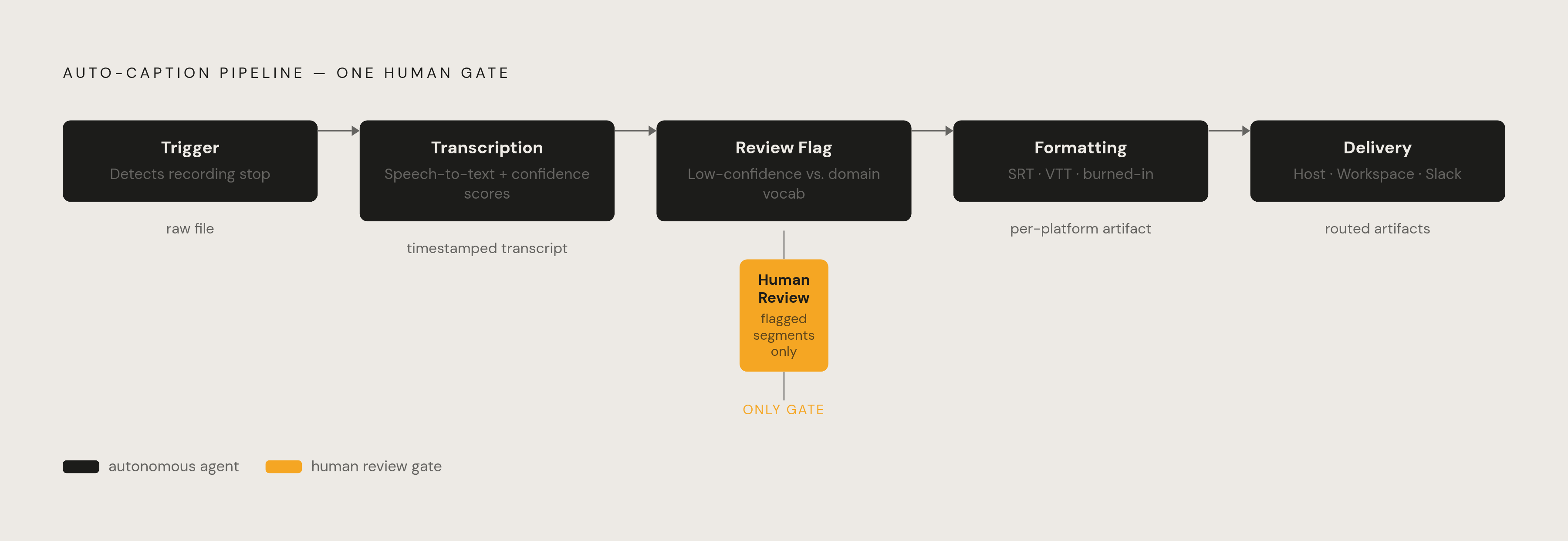
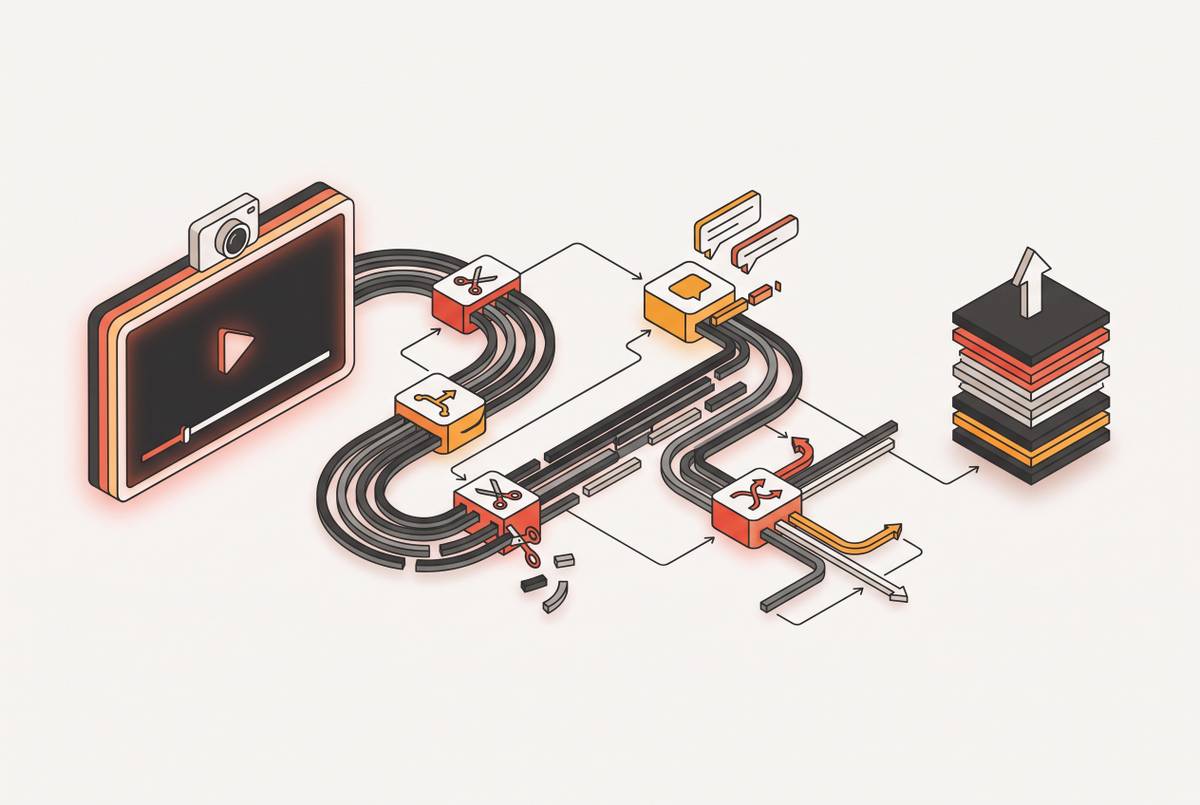
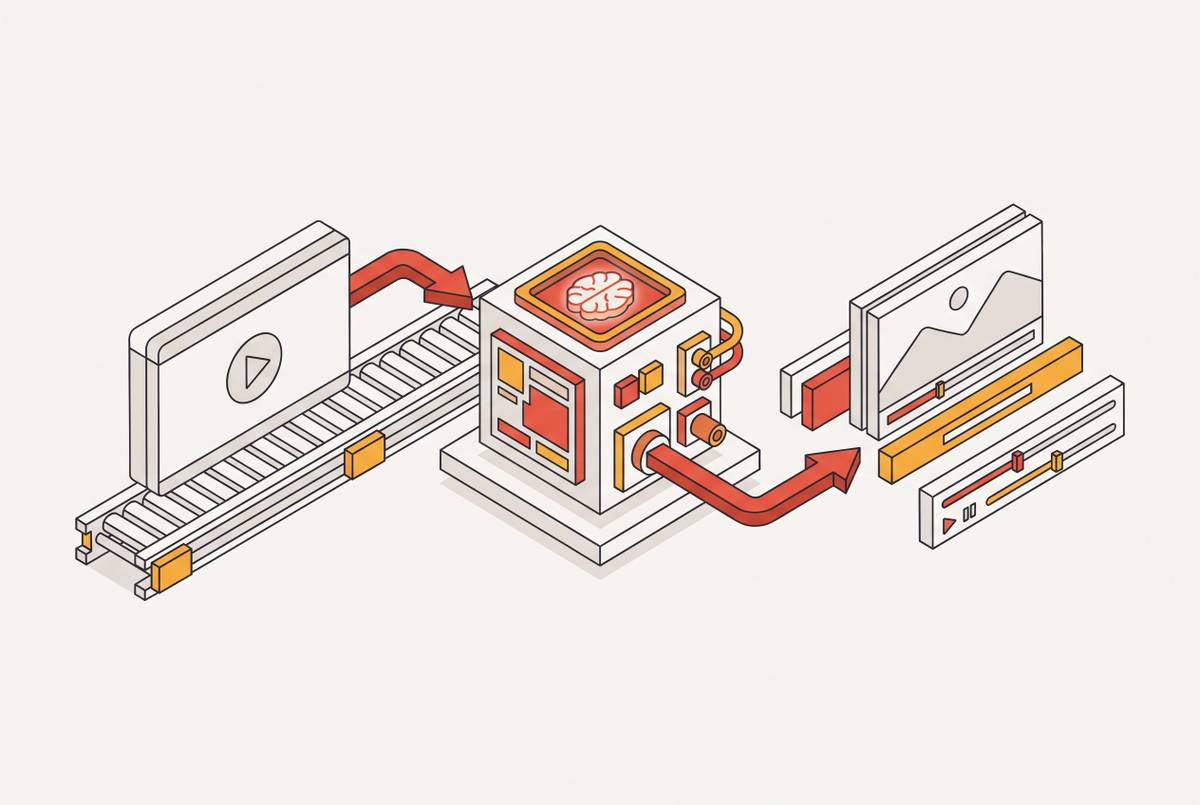
An AI agent workflow is not a set of features you click through. It's an orchestrated sequence where each agent's output becomes the next agent's input, and the whole pipeline runs end-to-end without a human advancing it. The difference between a button and a pipeline is the heart of this shift.
A tool with an "auto-caption button" still requires you to press it, review the result, export the SRT, and upload it somewhere. An agent pipeline does all of that the moment recording stops, triggered by the completion event itself. You close the recording. The pipeline wakes up. Think of the anatomy as a chain:
- A trigger agent detects the recording-stop event and passes the raw file downstream.
- A transcription agent runs speech-to-text and returns a timestamped transcript with confidence scores per segment.
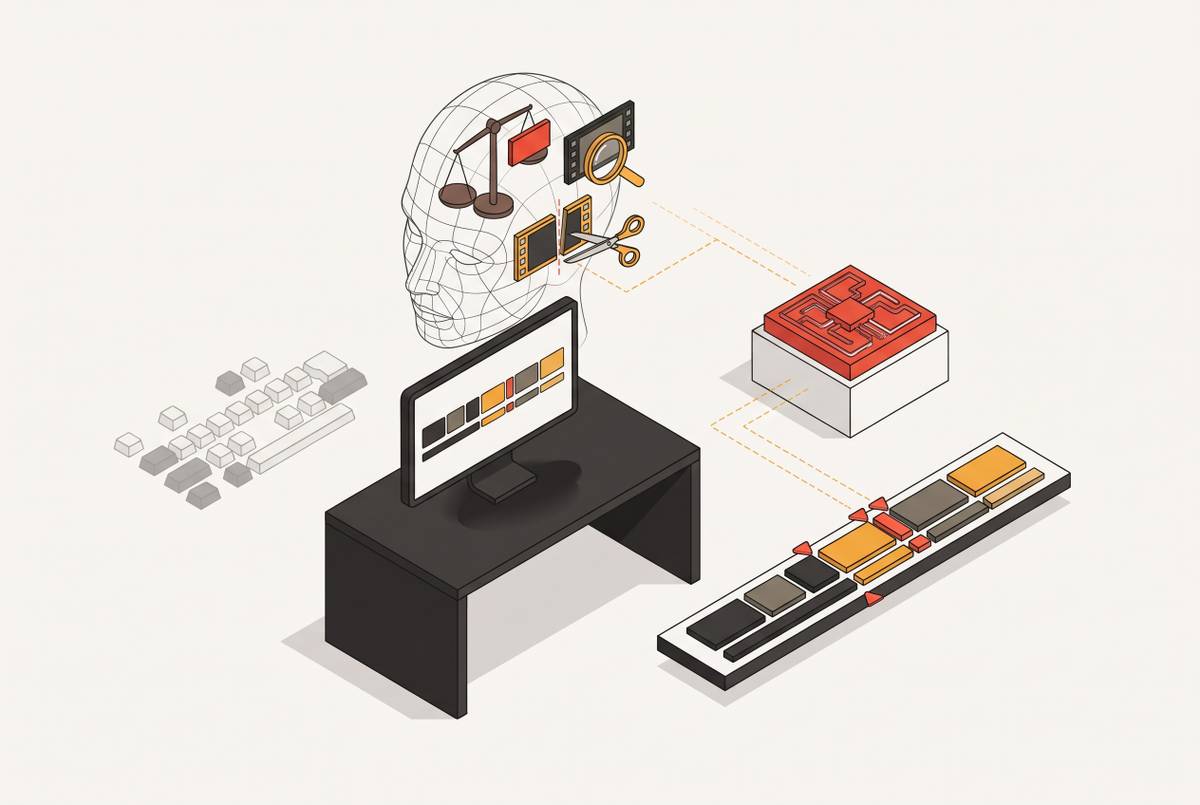
- A review-flag agent compares low-confidence segments against a domain vocabulary of product names, commands, and jargon, and surfaces only those segments for human review.
- A formatting agent converts the corrected transcript into SRT, VTT, or burned-in output according to the target platform's spec.
- A delivery agent routes each artifact where it belongs: SRT to the hosting platform, transcript to the workspace, shareable link to Slack or the ticketing system.
This hierarchical design isn't just conveninent. Research systems like DIRECT, from 2026, decompose video mashup creation into hierarchical agent roles, where each specialized agent handles one narrow part of the problem instead of one generalist model attempting everything. Captioning pipelines benefit from the same principle.
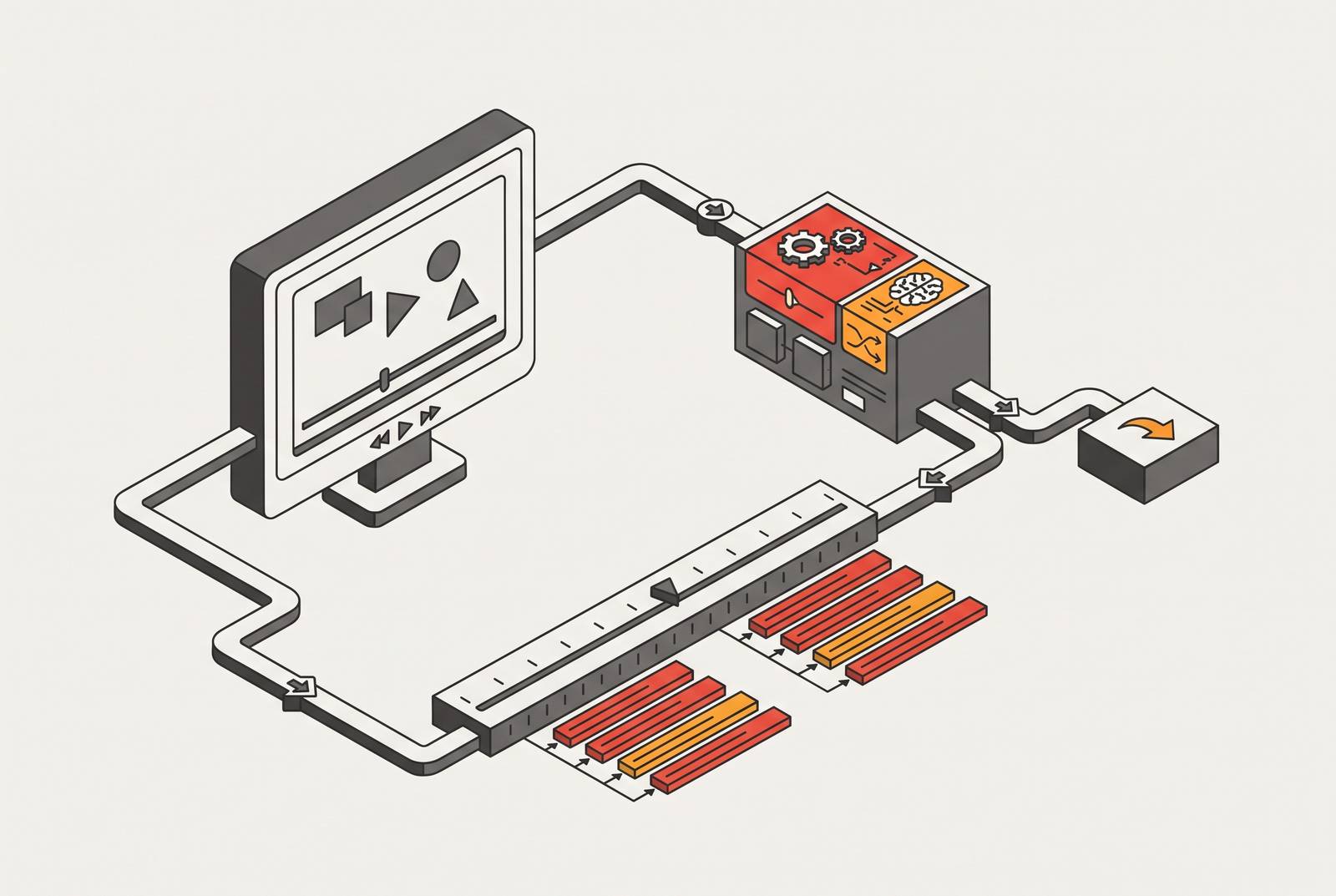
Programmatic triggering makes the whole thing work. Visual workflow builders like Wireflow let teams connect AI models into reusable graphs where every workflow automatically becomes a REST endpoint and an MCP tool. That means a screen recording tool can POST to the endpoint on recording completion, and the entire captioning pipeline runs without a UI interaction. You review only the flagged low-confidence segments, not the whole transcript. That preserves accuracy without throwing away the automation benefit.
Where in the screen recording workflow each agent stage plugs in
The pipeline doesn't replace your recording workflow. It attaches to handoff points that already exist, which keeps the integration effort much smaller than most teams assume. At export, the formatting agent picks output formats based on the declared destination, whether that's social, an LMS, or internal sharing. Aspect-ratio-aware smart crop means the same caption placement works across 16:9, 1:1, and 9:16 without manual repositioning. You don't rebuild captions for each platform size.
The clip-based recording model reduces pipeline complexity further. Recording a demo in segments means each clip stays short, transcription becomes more accurate per segment, and a mistake in one clip doesn't invalidate caption data from the rest. Re-recording one segment only triggers the pipeline for that piece. Tella's all-in-one design, covering recording, editing, subtitle generation, and sharing in one tool, means the handoff points between stages happen inside a single application rather than across exported files. When the destination and metadata are already known in the platform, the agent chain becomes one continuous workflow instead of a series of human handoffs.
How technical screen content creates specific captioning problems agents must be designed to handle
Screen recordings of software and technical workflows expose captioning agents to failure modes that never appear in talking-head video. A pipeline that ignores these failure points produces output that is both inaccurate and non-compliant. Jargon and product-name accuracy is the first problem. CLI commands, API names, keyboard shortcuts, and framework names are the words most likely to fail in generic transcription models. The review-flag agent must be seeded with a domain vocabulary specific to the product being recorded. Without that seeding, you get captions that mangle the exact terms your audience needs to see spelled correctly.
On-screen text versus spoken narration is a harder issue. When a presenter reads a menu item aloud while it appears on screen, the caption only captures the speech. On-screen labels, button text, and code snippets are invisible to an audio-only transcription agent. For screen-heavy SaaS walkthroughs, subtitles alone don't make the content accessible if key information lives in the UI rather than the narration. Captions can't see the interface.
Silence and pacing create their own trap. A silence-detection agent tuned for talking-head content will cut those pauses as if they're dead air. Trimming them breaks the demonstration.
Localization depth for screen-heavy content is another layer. UI labels, menu text, button names, and on-screen callouts remain in the source language. The voice changes language while the screen stays put, and your viewers notice.
How to configure a captioning pipeline that handles technical content accurately and passes compliance review
A compliant captioning pipeline for technical screen recordings needs four deliberate configuration choices that generic auto-caption defaults won't make for you. First, choose your model carefully. For technical vocabulary, a local model tuned on technical content outperforms generic cloud APIs. Screenify Studio's comparison documents this advantage explicitly and adds that on-device processing eliminates per-minute API costs and works without internet access. The right model is half the battle. Second, feed the review-flag agent a maintained glossary of product names, commands, and proper nouns specific to your content. Your reviewers check the risky parts, which is exactly what you want them doing.
Third, configure output format routing. Produce both SRT for the hosting platform's caption track and a burned-in version for social distribution, both from the same source transcript. Never burn captions in before review, because burned-in output can't be corrected without re-exporting. Get the review gate to pass first, then commit to the baked version.
Fourth, build the compliance checkpoint around flagged segments only, not a full read-through. The gate should check accuracy against the style guide, add non-speech cues like on-screen text that isn't narrated and sound effects relevant to the content, and confirm timing alignment before the delivery agent fires. There's no re-sync step after editing.
For teams using tools with MCP or REST endpoints, a recording tool that exposes a completion webhook lets the entire pipeline fire without a UI interaction. The screen recorder POSTs on stop, the pipeline runs, and the SRT arrives in the project workspace before the creator has closed the recording window. That's the pattern Wireflow-style builders enable, and it's the difference between a pipeline you trigger and one that triggers itself.
How the tools that handle captioning natively compare on pipeline readiness
Evaluated against pipeline readiness rather than feature count, the tools in this market fall into distinct tiers. Some produce compliant, editable caption output inside a closed workflow. The question to ask is simple: can this tool participate in an agent workflow without requiring a human to manually export and re-import files?
Tella answers yes on architectural grounds. The shareable link is available instantly on completion. A teleprompter and invisible recorder reduce filler-word and retake load before captioning even starts.
AutoZoom takes a different path. Available on a monthly subscription or a one-time lifetime license for Windows and macOS, its AI auto-zoom and captions fire during recording without a separate editing phase. Pipeline readiness is high for solo creators, but the tool isn't documented as exposing REST or MCP endpoints for external orchestration. It does great work inside its own walls.
Bandicam for Mac offers AI video-to-text transcription that generates an editable SRT file, with TXT and SRT export and subtitled video export all in one workflow. Bandicam's own roundup positions this as best for users who want recording, annotation, and subtitle export together, but notes it's not optimized for text-based video editing. Caption corrections happen in the SRT file rather than in the video edit itself, which means a separate step outside the timeline.
Camtasia sits in the instructional design space. Bandicam's 2026 guide describes it as best for tutorials, training videos, and polished educational content, highlighting screen and webcam recording, AI transcription, and its editing workflow. The extra weight is too if you don't need it.
What the agentic direction means for screen recording teams building caption workflows now
The teams that move fastest won't be the ones who find the best captioning feature today. On-device models are shrinking fast. What required cloud processing recently now runs locally on consumer hardware. The Screenify on-device example illustrates the direction. Expect latency between recording stop and caption availability to approach zero for most content lengths.
MCP and REST exposure are becoming the integration standard. A recording tool that exposes a completion webhook isn't a niche feature. It's what makes the tool usable in an agent pipeline at all. Teams evaluating tools should treat this as a baseline requirement, not an advanced option.
Multi-agent coordination will handle more of the review gate over time. Research systems like Crayotter, from 2026, demonstrate traceable multi-agent workflows for long-form video editing with asynchronous runtimes that improve end-to-end throughput. You'll check less and less.
What should you build now? Modular, template-based video assets. It's the same modularity principle that makes software maintainable, applied to video production.
The durable skill is knowing where the handoff points are in your recording workflow and which of them an agent can own versus which require human judgment. That map doesn't become obsolete when tools change. Your map of where machines stop and judgment starts is what stays useful.
Tella's north star is removing the gap between having something worth recording and having a polished, shareable video. The question isn't whether you can set that up. It's whether your current workflow lets you plug into the handoff points you already have.