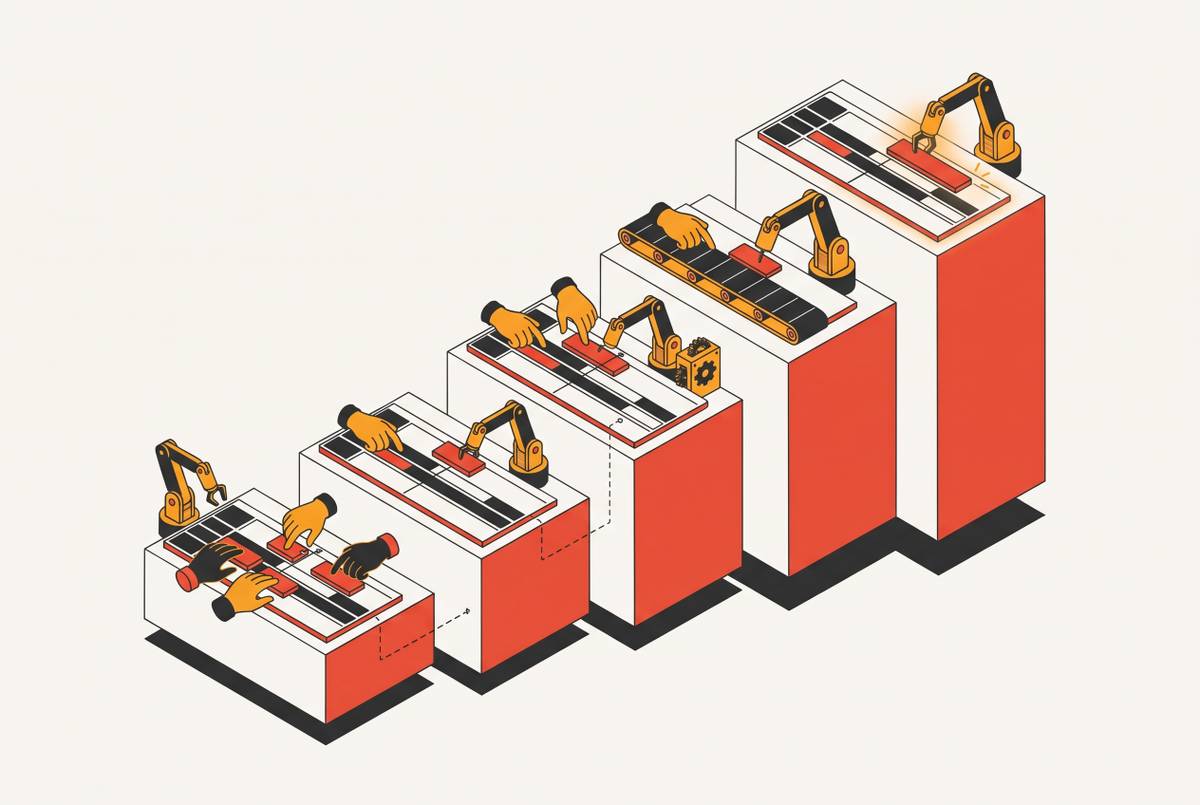
Transcript-Based Editing With AI Agents
Agents can cut dialogue-heavy video from a written brief.
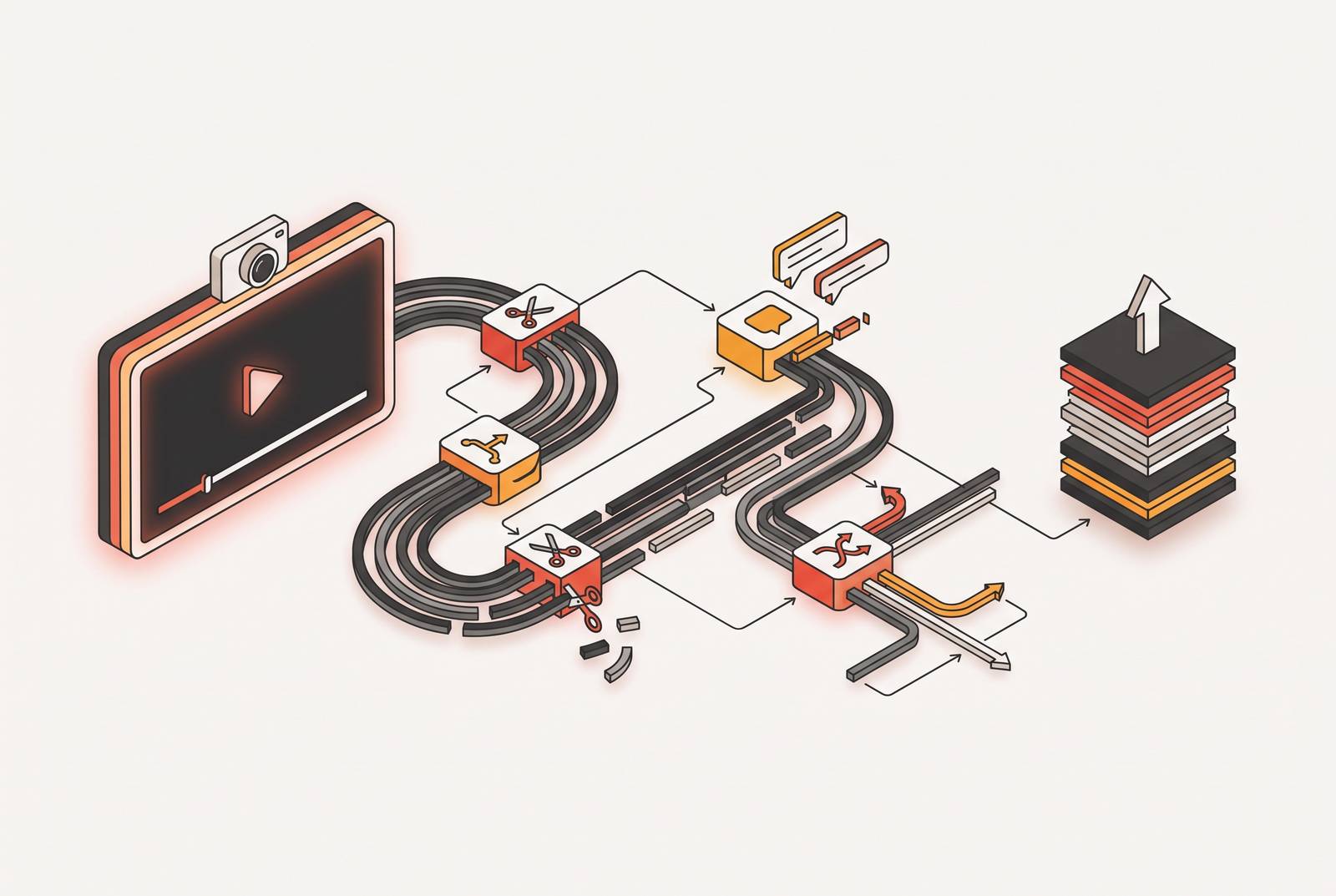
Agentic video editing uses an AI agent to read a transcript of your footage and execute the cut itself: removing filler, placing captions, assembling a rough sequence, rendering different aspect ratios, all without a human dragging a single clip on a timeline. The agent takes a written brief and runs it the way a text editor runs a find-and-replace, except the "text" is your video. That's the whole shift this piece is about, and it's already changing who gets to call themselves a video editor.
Why the timeline is the wrong starting point
Picture the old way: a waveform stretched across the bottom of the screen, full of little mountains and valleys that are supposed to tell you where someone paused, stumbled, or said "um" for the fourth time. Most people who record video for work never picked it up, because nothing in their job ever asked them to.
The gap between editing skill and text skill is the mismatch sitting under most video production bottlenecks. A product manager recording a demo, a customer success rep explaining a fix, a teacher cutting a tutorial down to size: none of them signed up to learn an editing interface. But all of them already know how to read and edit text, because that's most of their job already. Traditional editing asks them to trade a skill they have for one they don't.
The practical fallout is that editing time has dwarfed recording time for years. Filming the thing takes ten minutes. Cutting the pauses, nudging captions into place, and exporting three different aspect ratios for three different platforms takes the rest of the afternoon. Transcript-based editing fixes the mismatch by swapping the interface, not the footage. Instead of a timeline, you get a document, and everyone already knows how to edit a document.
How speech-to-text turns spoken audio into an editable document
The transcript that an AI agent works from isn't just a wall of text. Every word, phrase, and silence in it carries a start time and an end time, down to the fraction of a second, so the document doubles as a synchronized map of the audio and video underneath it. Deleting a sentence from that map points at a specific stretch of frames.
Getting there actually takes two separate steps, not one. Second, a captioning step takes that raw output and reformats it into something a video player can actually read, usually SRT or VTT format. Those two steps matter as two steps because an agent can step in between them, correcting a mistranscribed word, say, before it ever reaches the caption track.
Whisper-class models have become the standard tool for that first step, returning timing for chunks of speech. None of this costs much anymore. That's a big part of why transcript-based editing has leaked out of dedicated editing apps and into everyday workflow tools. And once that timestamped transcript exists, deleting a line of text and deleting the matching stretch of video become the same action.
What an AI agent does with the transcript
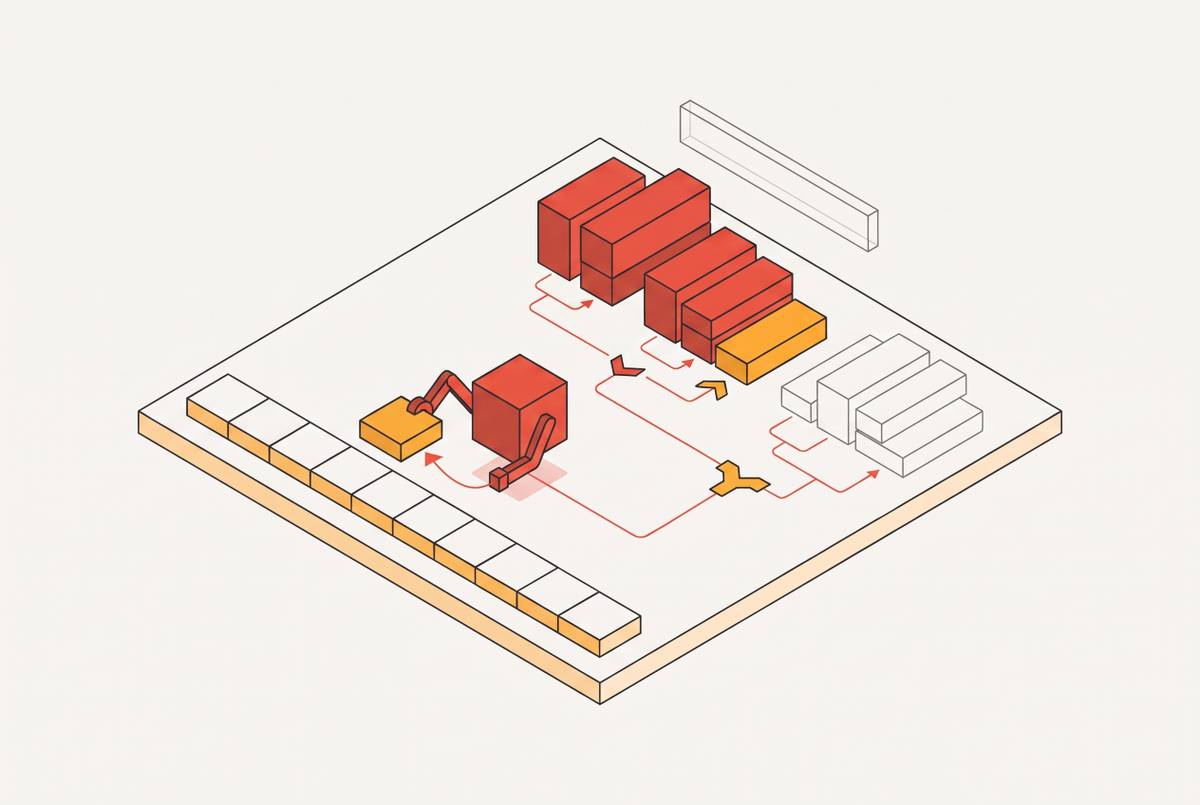
Once an agent can read footage as text, it can start making editorial calls against a brief instead of waiting for someone to push play and scrub around. That's a real change in what counts as "editing."
In the current generation of tools, agents are reliable at a specific set of jobs. They drop captions onto the timeline exactly where the words were spoken, with no manual nudging. They can sequence a whole rough cut from a brief before a human touches anything. And because the segments are already identified by the transcript, the same cut can get reformatted for square, vertical, or widescreen without redoing the work three times.
What agents still can't do is judge a performance. They don't know which of two takes landed better when the words are identical but the delivery isn't, and they don't have a feel for pacing the way a human editor does. The useful way to think about the split: the agent handles the obviously-wrong stuff, and hands back something a person reviews for whether it actually makes sense and feels right.
One tool in the 2026 survey of video agents pushed this further by exposing its own timeline through a protocol called MCP, letting it connect to Claude and run edits straight from a chat window with the editing app never even open. That's the most hands-off setup for dialogue-heavy footage that the survey found, and it's worth a fuller look at what makes that kind of setup different from the merely-helpful tools most people have already tried.
The difference between an assistive AI editor and a genuinely agentic one
Most software calling itself an "AI editor" today is assistive, not agentic. It flags the silence, suggests a clip, highlights a cut, but a person still drives the playhead and clicks approve on every single change. That's useful. It's also still editing, just with a helpful intern standing over your shoulder pointing at things.
A genuinely agentic editor works differently: it takes a written brief and runs the whole sequence of steps itself, trimming, reordering, captioning, rendering, with barely any back-and-forth between the instruction and the finished file. The technical thing that makes this possible is exposing the editing tool's functions over a protocol like MCP, so an agent such as Claude Code can call "trim," "reorder," "caption," and "generate" directly and chain them together without a person ever opening the app.
The Wireflow pipeline shows what this looks like in practice. A planning model breaks the brief down into individual shots. Only after that approval does the actual composition run. That ordering isn't an accident: it puts the costly, hard-to-undo step last, after the agent has already shown its hand. And if one shot comes out wrong, only that one branch needs to rerun, not the whole video from scratch.
For someone who isn't a trained editor, the upside is that the editing interface stops mattering. The brief becomes the interface, a plain-language document the creator writes. Someone might reasonably ask whether handing decisions to an agent means giving up authorship, but agents in tools like this aren't making story decisions, they're executing the decisions the creator already made in the brief. The judgment still lives in the words the person wrote, not in the model running them.
Where transcript-based editing works and breaks down
Transcript-based editing is strongest wherever the story is carried by spoken words: talking-head videos, interviews, podcasts, recorded courses, narrated product walkthroughs, and the kind of quick async video message that's replaced a lot of written workplace chat. In all of those, the transcript is a complete record of what's happening. Nothing important is missing from it.
It runs into trouble wherever meaning lives in the picture. A montage cut to a music track has no transcript worth reading, so the agent has nothing to steer by. A software demo that needs to show exactly where someone clicked, what they typed, and which menu they opened needs an actual screen recording. No transcript captures "click there." Motion graphics and animation have no dialogue track at all, so there's no index for an agent to work from.
There's also a limit even on footage the transcript does cover well: performance. Choosing between two takes where the words match but the delivery doesn't still needs a human ear, because nothing about matching text tells you which reading felt more natural. The practical fix for content that mixes both problems, talking-head segments plus visual demo segments, is to treat them as two separate passes. Run the transcript layer for the dialogue, then do a second, separate pass for the visual or b-roll material. Trying to force both into one agentic pass is where people get burned.
The Economics of Video Production for Small Teams
The real consequence of all this, for anyone running a small team, is that an editing job which used to eat hours and required a trained specialist now fits inside one tool, run by the same person who recorded the footage.
For SaaS and customer success teams, that turns video from a production project into something closer to a message. The video stops being a deliverable someone else owns and becomes something the rep just sends, the way they'd send an email.
For educators, the gap between having something to teach and having a video students can actually watch shrinks sharply. Scripting, recording, editing, and captioning all get faster at once, and together that moves a video from a multi-hour production down to something that takes closer to tens of minutes.
None of this works, though, if the underlying transcription still costs real money, and it mostly doesn't anymore. Transcription, scene detection, reframing, caption burn-in: all of it is priced as a commodity now. Teams are paying for the workflow built on top of the compute and the interface that makes it usable. Recording and editing happen in one place, and text is the surface from the moment capture ends. The bigger shift is that video stops requiring a specialist to produce. It becomes a default output format for anyone who can write a brief and press record.
How tools in this category divide by what they hand back
Feature lists are a bad way to compare these tools, because most of them claim similar features. A better test is to ask what the tool actually hands back once the agent finishes: a locked export, an editable transcript, or an editable timeline.
The 2026 survey of video agents put it directly: if a baked MP4 comes back and one shot is wrong, the fix is a full redo. If an editable timeline or an inspectable graph comes back instead, the fix is one node. That difference decides how painful revisions will be, and revisions are basically guaranteed.
A locked export suits a one-off social clip that nobody's going to touch again. An editable transcript suits dialogue-heavy content where the creator wants to go back and adjust meaning after the agent's first pass. An editable timeline, with real layers and keyframes, suits anything headed for client review or several rounds of changes.
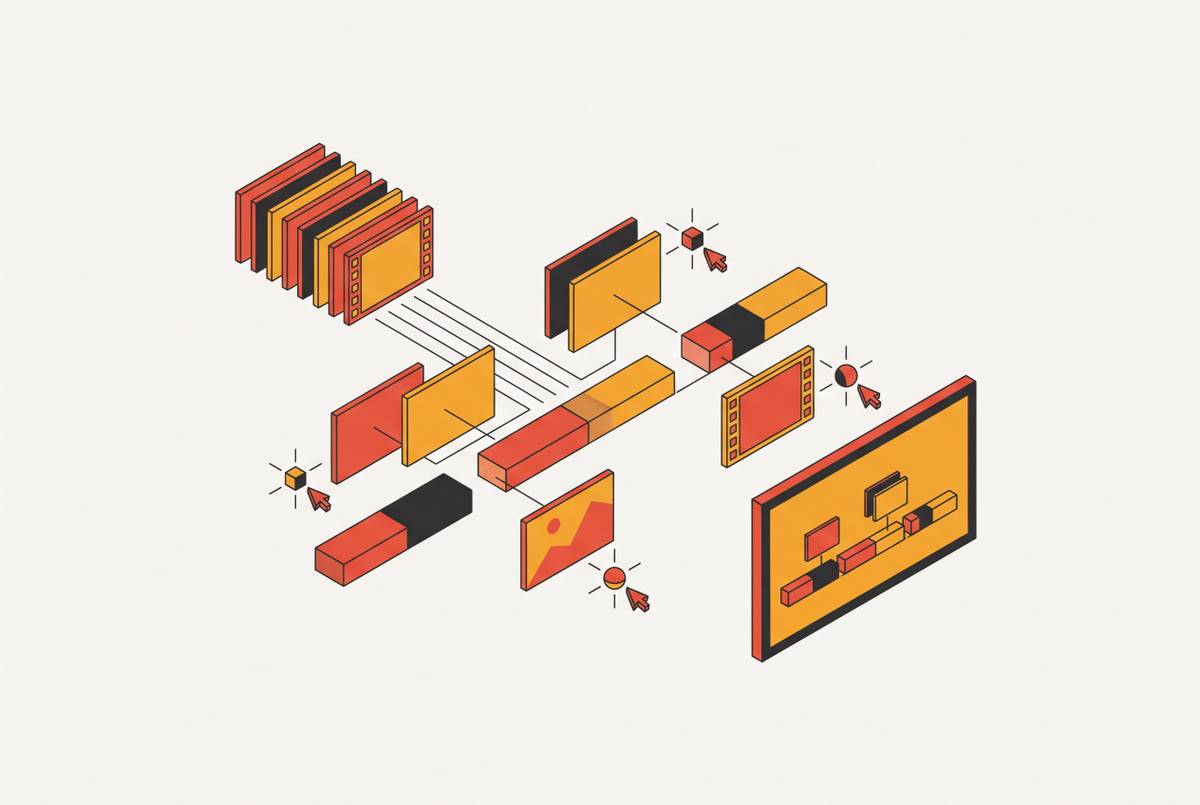
A few named tools show how this plays out. Wireflow hands back a composable graph with a human approval step built in before anything renders, suiting teams that want to inspect and rerun one branch. Mosaic treats the whole thing as a canvas: build one edit recipe, run it across a folder of raw footage, and generate variants, which suits teams pumping out the same format over and over at volume. It's a meaningful move toward this category without being a fully hands-off editor, and its limitation for small teams is that it still lives inside Premiere's timeline, the same interface transcript-based tools are trying to let people skip. Once a timestamped transcript exists behind any of these tools, an agent can run filler removal, caption placement, and rough assembly as direct video operations. And that points to the real dividing line in this whole category: an agentic editor runs the cut on your behalf, while an assistive one highlights the cut and waits for you to click approve. That's not a small distinction. It decides whether a tool actually removes friction from the job or just moves the friction somewhere else, and it's the line separating tools built for teams working at real volume from tools that still assume a trained editor is sitting at the controls.
What to look for in a transcript-based tool
The single best test before committing to any transcript-based tool is to run one of your own actual recordings through it and look hard at what comes back. A few questions tend to surface the fit or the friction fast.
Start with accuracy: does the transcript actually match what was said? Next, check whether the tool lets you see and correct the transcript before it runs any cuts, or whether it jumps straight to a sealed, locked export. Being able to read and fix the transcript first is what separates a tool you can trust from one you end up fighting with. Then check how tightly the text and video are actually linked: does deleting a line in the transcript immediately remove the matching frames, or does that require a separate export step somewhere else? Tight coupling is what makes the whole thing feel like editing a document. After that, ask whether you can still get into the timeline or individual clips once the agent's pass is done, or whether the output is sealed shut. For anything headed to a client, a manager, or a classroom, having that editability after the first pass isn't a nice-to-have. And finally, ask how the tool handles footage where the meaning sits in the picture rather than the words, whether it has any real answer for that, and if it doesn't, whether there's a clean point where the work hands off to a visual editor instead.
A sensible way to sequence all of this: use the transcript-based pass for removal and structure, cutting filler, setting the order, dropping in captions, and save timeline work for the fine-cut stage where pacing and performance decisions actually need a human. Treated as two stages instead of two competing philosophies, this captures most of the time saved without losing the judgment calls agents still can't make. None of this makes the video worse. It just moves a person's attention off the mechanical stuff and onto the decisions that actually need a human brain behind them.