The End-to-End Footage Handoff That Never Opens a Timeline
How to record, polish, and share speech-first video without editing.
For speech-first business video, editing videos with AI means making a recording, letting software polish it, and sharing a link without opening a timeline. Agentic video editing goes further by assembling cuts from instructions, but most async updates need a simpler pipeline. The end-to-end footage handoff works when software takes care of production chores while the person recording stays in control of the message.
Why the timeline disappeared from most video work — and what replaced it
The structural change is that recording and delivery now belong to the same workflow. A product demo, standup, onboarding clip, or bug walkthrough no longer has to become an editing project before someone can watch it. The timeline still belongs in professional production. For most non-professional, speech-first business video, however, it is no longer the default interface between having something to show and showing it.
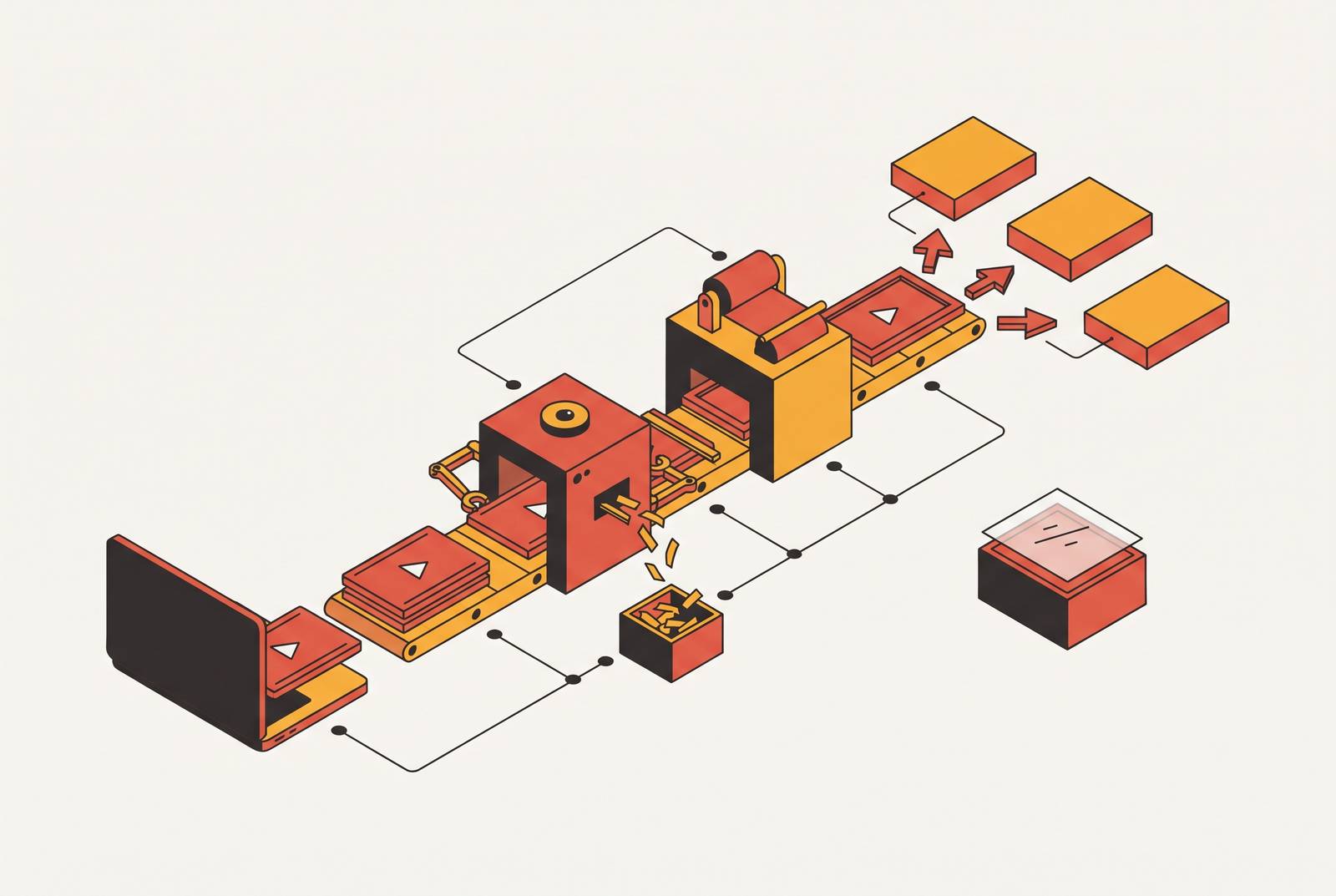
This is different from producing a finished video without recording footage at all. The record-and-ship pipeline starts with a person explaining something, usually over a screen, and removes the technical work that follows. Its practical test is simple. Is there a shareable link as soon as recording stops? With upload-while-recording, there is, and transcript-based editing and AI polish do the cleanup that once meant moving the recording to another application.
What actually goes wrong before you press record
The choices made in the two minutes before recording decide whether AI has something useful to polish or just a muddle to tidy up. For people outside the business, that starts with closing tabs and applications that are not needed and using a clean browser profile or focus mode. Notifications and open documents can expose information that was never meant for the viewer. A screen recording should not turn into an office tour by accident.
Sound deserves more attention than resolution. Audio quality affects perceived professionalism more than extra pixels, and a dedicated headset beats a laptop microphone decisively. AI cannot fully recover a bad source recording. Meanwhile, 1080p keeps on-screen text readable without adding unnecessary file weight for most async work. Before an important recording, a 30-second test clip, played back to check audio levels and the recording area, is more useful than discovering the problem after the full take.
The webcam overlay also deserves a deliberate choice. A technical walkthrough can work without it, while an async update or demo can benefit from the human presence of a camera bubble. Clear narration is essential in either case. Once the setup is ready, the final preparation is not another equipment check but a sentence. The opening should tell the viewer what the recording is for and how long it will take.
The recording itself — length, structure, and the opening line that decides everything
“This is a three-minute walkthrough of the new checkout flow, for the product team” gives the viewer a purpose, an audience, and a time commitment in one breath. That is useful work for an opening line. It lets someone decide whether to watch before spending time finding out what the recording is about. A long warm-up does the opposite. The viewer came for a checkout flow.
Structure then does much of the work usually called editing. When a team uses done, doing, and blocked for standups, viewers know where each kind of information belongs. Demos benefit from the same consistency through why it was built, what it does, and what to watch for. When a recording covers several items, chapter markers or timestamp callouts in the summary that goes with it let people skip to the part they need. Length discipline works with that structure.
A bug report makes the advantage concrete. A written ticket can leave the reproduction steps ambiguous and generate follow-up questions about what happened between one action and the next. A two-minute screen recording shows the exact steps while the speaker explains them, and it stays on the ticket for good. For UI changes and feature walkthroughs, that same screen-plus-voice format shows viewers the steps so they do not have to picture them on their own.
What AI actually does to the footage — and what it cannot do
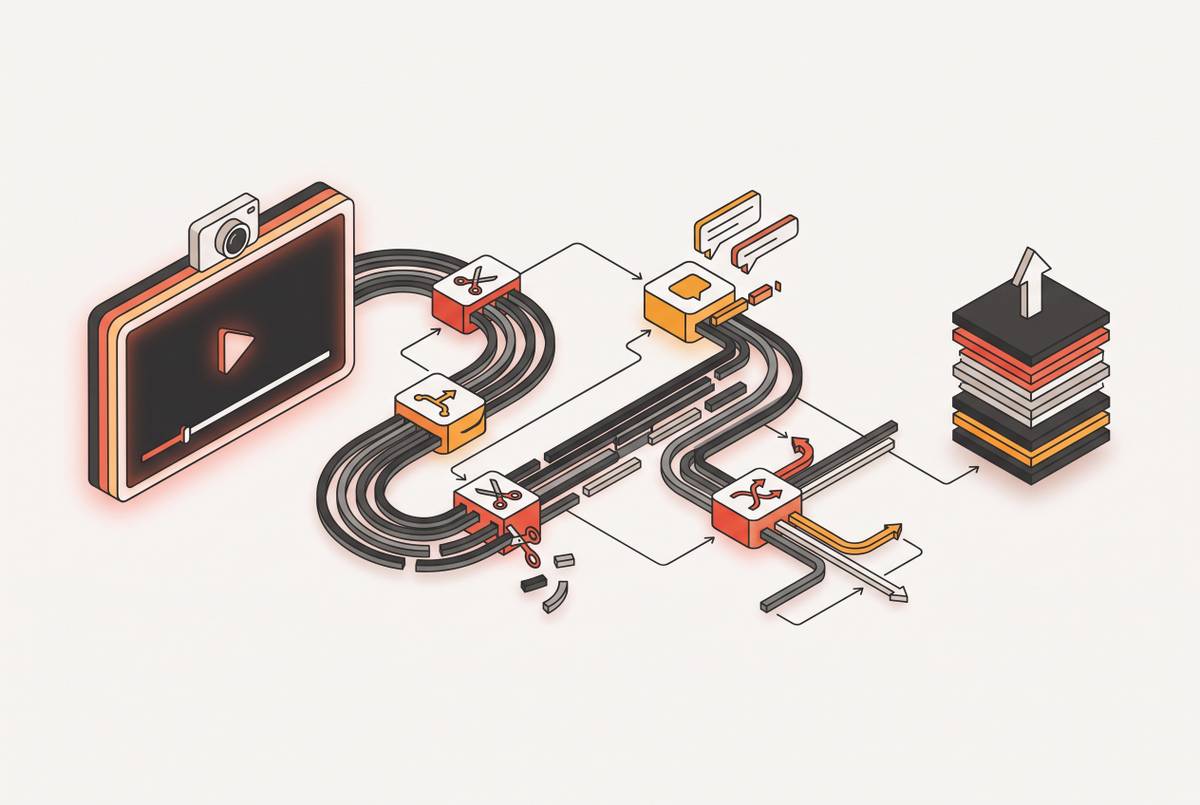
Once the recording ends and the link is ready, AI polish clears away distractions without adding a separate round of production before the video can be shared. Captions, filler removal, and basic trimming are the core jobs. These are repetitive tasks. For speech-first footage, transcript-based editing also makes a correction possible without timeline work. Deleting words from the transcript removes the audio and video that go with them, so the speaker can edit language.
Automatic captions are the most broadly adopted AI feature in this pipeline, with transcription accuracy at about 85% for screen recording tools. They can ship with most content without a full manual correction pass, but that figure is not a promise of perfect text. Automatic does not mean infallible. Visual presets do a different job, adding the same color treatment, background, and font style in one step. Across a library of recordings, that replaces repeated styling work with a shared look.
Agentic video editing extends beyond this cleanup. AI agents can sort raw footage, make changes, and put together a cut from natural-language instructions, which makes them more useful for long-form and content-creator work. Async business video usually needs less machinery. The useful division is AI for preparation and repetition, with humans responsible for meaning, tone, content selection, and review. AI cannot decide which two workflows out of ten to show in the demo, judge what the opening line needs to say, or rescue unusable audio.
Why the pipeline sticks as a habit — and why most attempts to adopt it fail
A daily 15-minute standup with eight people consumes two hours of combined time, half of it irrelevant to half the attendees. Each person recording a two-minute clip can cover the same information without a time-zone dependency. That is a strong reason to try async. It is not a reason to assume the team will adopt it simply because a recorder is available. Software takes work out of production, but it does not set rules for what gets recorded or when people should respond.
For a team adopting the pipeline, three norms make the practice workable. Clips stay under five minutes, every recording has a one-line text summary, and people respond within one working day. The summary is easy to skip. It is also what lets a busy person assess relevance without pressing play, so omitting it can leave an otherwise useful recording unwatched. The response window gives the handoff an expectation beyond “a link was posted somewhere.”
The format also needs boundaries. Status updates, code reviews, onboarding, and decision sharing suit async video, while brainstorms, sensitive 1:1s, performance conversations, and incident triage need real-time back-and-forth. A written decision table helps make clear when to use each format. Rollout can then proceed one workflow at a time, from standups to code or design review and then onboarding. Unlike a live standup that evaporates when it ends, a recorded update remains searchable six months later and can help onboard people who were not there.
The use cases where this pipeline earns its place — and the specific format each requires
An async standup works as a two-to-three-minute recording using done, doing, and blocked. Once it is posted to a shared thread, each person can watch it in their local morning rather than at a time picked to be equally awkward for everyone. No editing is required because the structure already constrains the content. A sprint demo needs a different unit of attention, with two to five minutes per feature or story. It explains why something was built and what it does, and includes a written summary with timestamps so stakeholders can find their story.
In product and sales demos, two or three core workflows give the recording a focus, because the goal is conviction. The homepage demo and the deeper prospect walkthrough are distinct formats. Combining them produces a recording that serves neither purpose well. A customer success update has a different job: the person who built or specced a newly shipped feature gives a short walkthrough of it in a real workflow, rather than relying on an announcement GIF or a demo dataset.
Pre-retrospective submissions make a useful distinction between replacing a meeting and improving one. Each team member records one to two minutes before the live session, covering one thing that went well, one thing to improve, and any specific suggestion. The live discussion still happens. The recordings give introverted team members room to speak honestly without peer pressure, while the facilitator can spot themes before the meeting starts.
What should an AI video editor handle without manual timeline work?
The strongest selection criterion is coverage of the whole handoff. A recorder that leaves editing, captions, and delivery to other applications restores the switching overhead this pipeline is supposed to remove. Upload-while-recording is the first practical test. The shareable link should be ready when recording stops, without anyone having to upload the video by hand.
Transcript-based editing should live where the recording lives. VEED states “Delete a word and the matching footage disappears” and “no timeline dragging needed”. WordCut describes its approach as “edit video by editing the transcript — no timeline required”. Those descriptions spell out how timeline-free editing works, but on their own they do not show that either product handles every stage of the handoff.
Automatic captions and subtitles should ship with the video by default and be accurate enough to use without someone having to check and fix them all. The recorder should have camera overlay, teleprompter, and clean recording modes built in so there is no need for separate tools to get ready. Platform coverage also deserves attention. A web app, Chrome extension, and native macOS and Windows coverage close the gaps that appear when team members use different setups.
What the person doing the recording actually has to contribute — and what they can let go of
The person at the microphone still decides which workflows to show, how to open, and whether the audience needs background or just a status. Frame-level trimming, manual captioning, file format management, upload and hosting logistics, and color correction can leave the person’s job description. In the full pipeline, the gap between having something to record and having a polished, shareable video can shrink to the length of the recording itself.
That changes the effort needed to start. Recording becomes the job, rather than the first task in a chain of editing and uploading chores, and can become easier than writing a Slack thread that will be misread. But the message is still human work. What used to require editing skill now requires none from the recorder. What always required judgment, deciding what to say and to whom, still does, and always will.