All-in-One Screen Recorders That Let Non-Editor Teams Own the Entire Training Video From Record to Delivery
Guidde, Trainn, and VEED.io let experts finish training videos themselves.
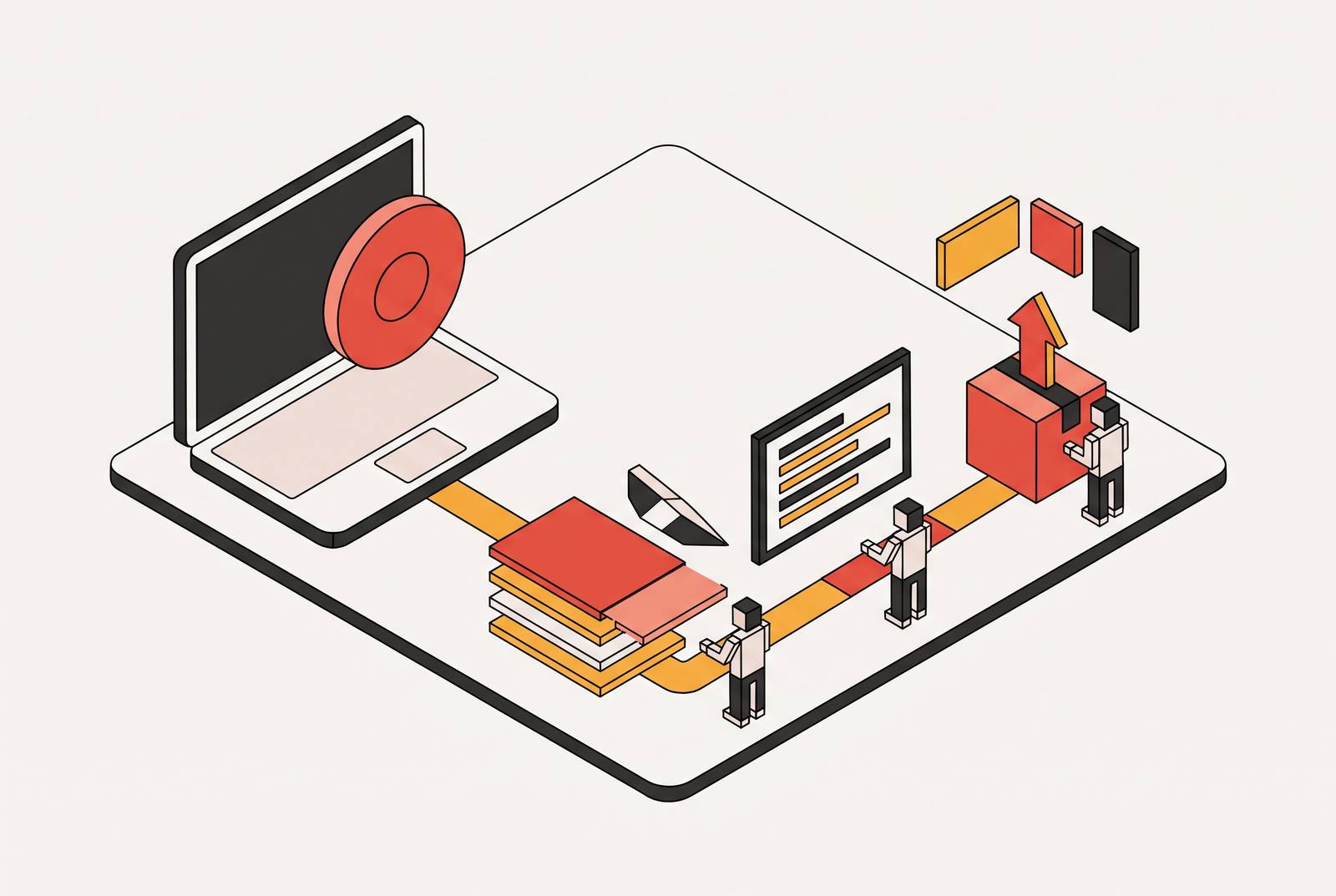
An all-in-one screen recorder with a built-in editor lets business teams capture, edit, and share training videos without switching apps or waiting for a specialist. Guidde, Trainn, and VEED.io cover that workflow, with different strengths in walkthroughs, multi-format training, and branded video. The benefit is letting the person who knows the task own the finished lesson.
Why non-editor teams keep hitting the same production wall
A product ships Thursday, sales needs a training clip Friday, and the editor is booked. The product expert can show how the feature works, but the recording still needs cleanup, captions, and somewhere to live. So the footage joins a queue. The deadline does not. What looks like a shortage of video skills is a pipeline designed to separate knowledge from production.
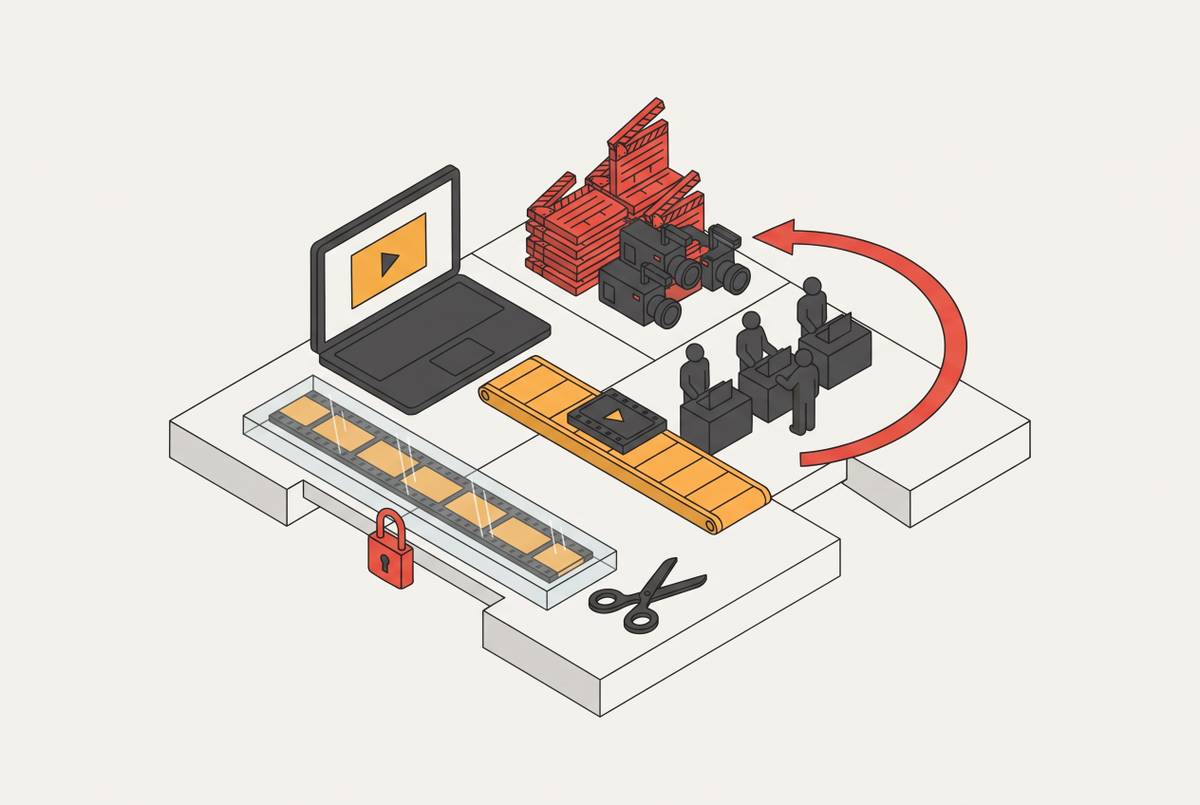
That separation turns three jobs into three waiting rooms. Capture happens in one tool, editing in another, and publishing in a third, often with a different person responsible for each. Subject matter experts in customer success, product, and enablement can supply the explanation but cannot finish the asset. Trainn’s AI tool page describes the dependency plainly, saying “your content pipeline moves as fast as that one person”. Recording is not the bottleneck when everyone can press record but only one person can turn the result into training.
Dead air, missing narration, and a cursor wandering without visual emphasis leave learners to work out what deserves attention. After editing, someone still has to export the file, upload it, and embed it wherever learners need it. Every handoff adds another dependency to a short task. A training course might help someone get better at editing, but it does not bring those separate steps into a workflow they can run themselves.
How do you record, edit, and share without switching apps?
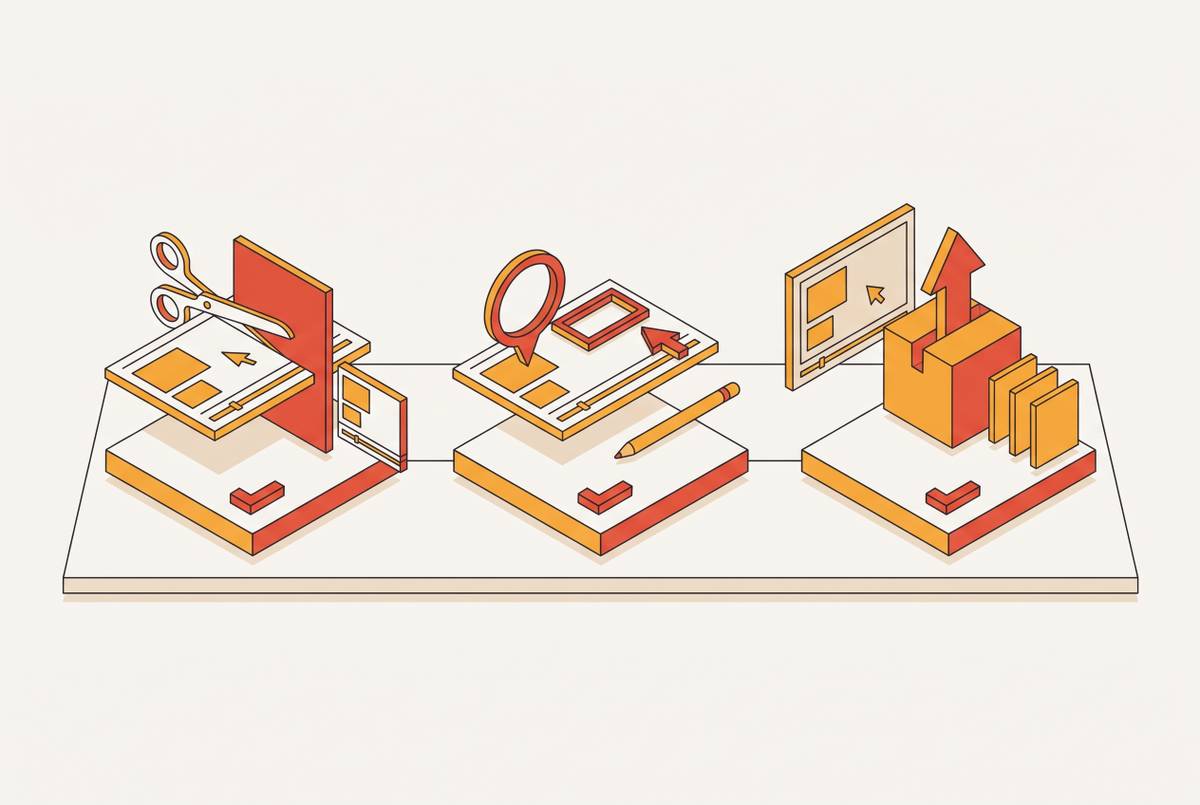
An all-in-one screen recorder must pass three functional tests. Capture means recording screen, webcam, and audio in one session. Edit means trimming, annotating, captioning, and branding inside the same tool, without exporting to another application. Deliver means producing a shareable link or embeddable asset without leaving the platform.
Screen and webcam capture, narration, captions, templates, and hosting belong together when the goal is a finished training clip. A recorder that hands over a raw file still leaves work to do before the video is ready, while an editor without capture starts halfway through the job. Tracked courses are a different category again. Articulate 360 and iSpring Suite are course authoring platforms built for LMS/SCORM needs, branching, and quizzes, rather than the fast async explanation a customer success rep needs by Friday.
How AI changes the editing step for people who have never touched a timeline
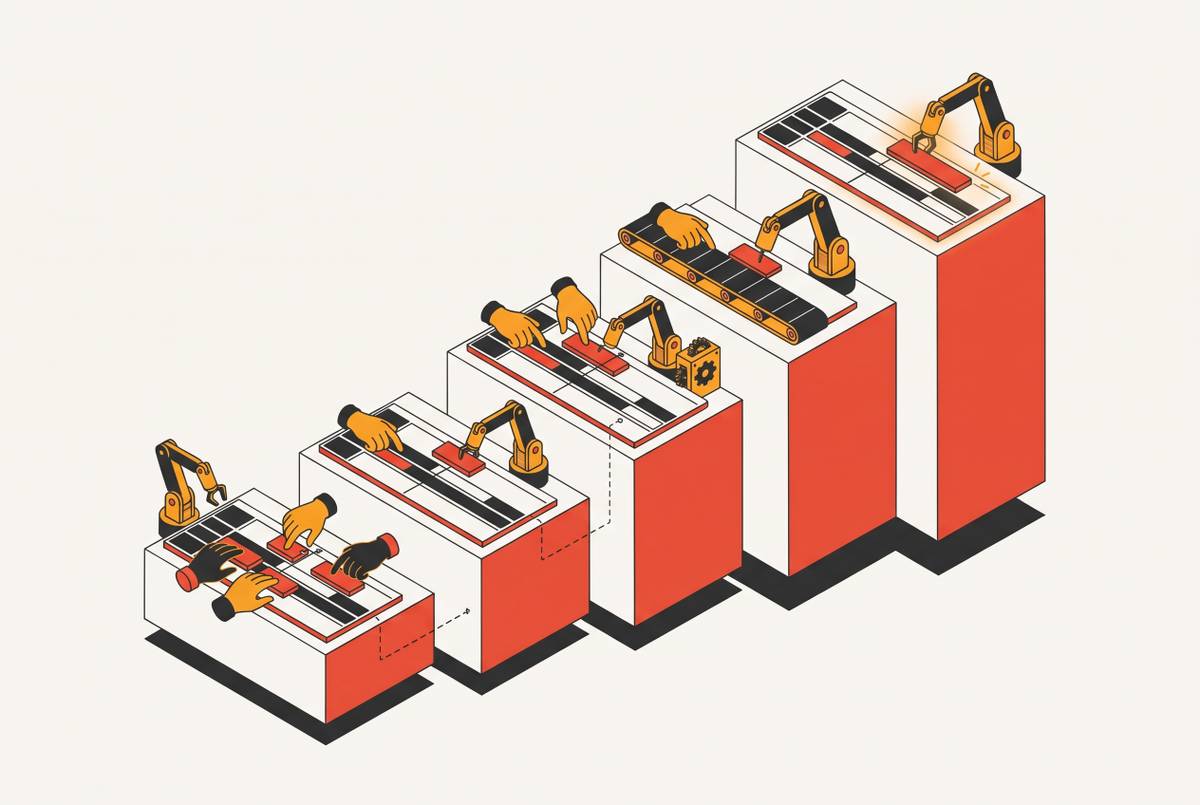
AI changes who can finish the work. An AI-powered recorder can do the production work as the lesson is made, without asking a non-editor to learn a simpler timeline. Trainn’s AI tool page describes automatic voiceovers, zoom placement, dead-air removal, filler word removal, spotlights, and step-by-step guide generation. These are the jobs that otherwise separate a screen capture from usable instruction.
Guidde’s Magic Capture takes that approach by recording workflow structure along with what appears on screen. It generates descriptions of actions and builds training videos with narration, smart zoom animations, and brand styling. The task becomes the organizing unit of the video. That is a useful shift for a product expert who knows which action comes next but has no interest in becoming the office’s accidental post-production department.
Transcript-based editing is another way to work with footage that already exists or has a lot of dialogue. Instead of cutting clips on a timeline, the creator edits the transcript. Writers, marketers, and subject matter experts can then help with post-production by doing work they already know how to do. The interface changes the entry requirement. Video editing becomes closer to revising an explanation than learning keyframe logic.
That does not make judgment optional. AI narration may raise questions about whether a lesson sounds robotic, but voiceovers have become a standard feature across multiple platforms in this category. Inaccurate finished instruction, especially in its captions, poses a more consequential risk. Even when production work is automated, someone still needs to check that the lesson says what it should.
Recording technique decisions that determine whether the video is reusable
For the person making the clip, the practical checklist starts before pressing stop. Define one task that a learner should be able to complete independently after watching. A broad product tour is harder to reuse because it bundles several needs into one recording. The aim is an answer someone can find and use.
Record in short modules. If a section is wrong or the interface changes, only the affected clip needs recording again. Micro-lessons that last a few minutes help learners remember concepts, while chapter markers in longer sessions let them find their way without having to scrub. This is where maintenance costs begin to shrink.
During capture, pause before clicking, name the control by its exact on-screen label, and explain the action before taking it. Then describe the resulting status change so learners can tell whether their own screen matches. Keep the narration ahead of the cursor. Finally, record at the resolution and aspect ratio the sharing platform expects, because an unsupported format adds a conversion step and requires using a separate tool again.
Why caption accuracy is the editing decision with the highest failure cost
A caption drops “not” from an instruction. The audio is still correct, but a learner who cannot hear it is told to do the opposite. No amount of tasteful zooming repairs that contradiction.
Software training is particularly exposed to this problem because it is dense with product names, acronyms, and numbers. Automatic captions can misread all three. A wrong term can send a learner looking for the wrong menu, while a missing “never” can turn a warning into an instruction. The error is not merely untidy text. It changes what the learner understands and does.
The accessible baseline extends beyond generating subtitles. Training videos need accurate captions synchronized with the audio, a full downloadable transcript, and audio descriptions where visuals communicate something the narration leaves unstated. Chapter markers help learners find their way, and they need to be able to use the playback interface without a mouse. The hosting layer therefore needs to be checked as closely as the captioning engine.
For tool selection, the lesson is to look for caption review and correction inside the platform before publishing. Localized content needs terminology review too, particularly for product names, acronyms, and industry-specific phrasing that automated translation can miss. Review must fit the creator’s normal workflow. If correcting an instruction requires another application or another specialist, the supposed all-in-one has misplaced a crucial piece.
What the leading all-in-one tools actually do — and where each one stops
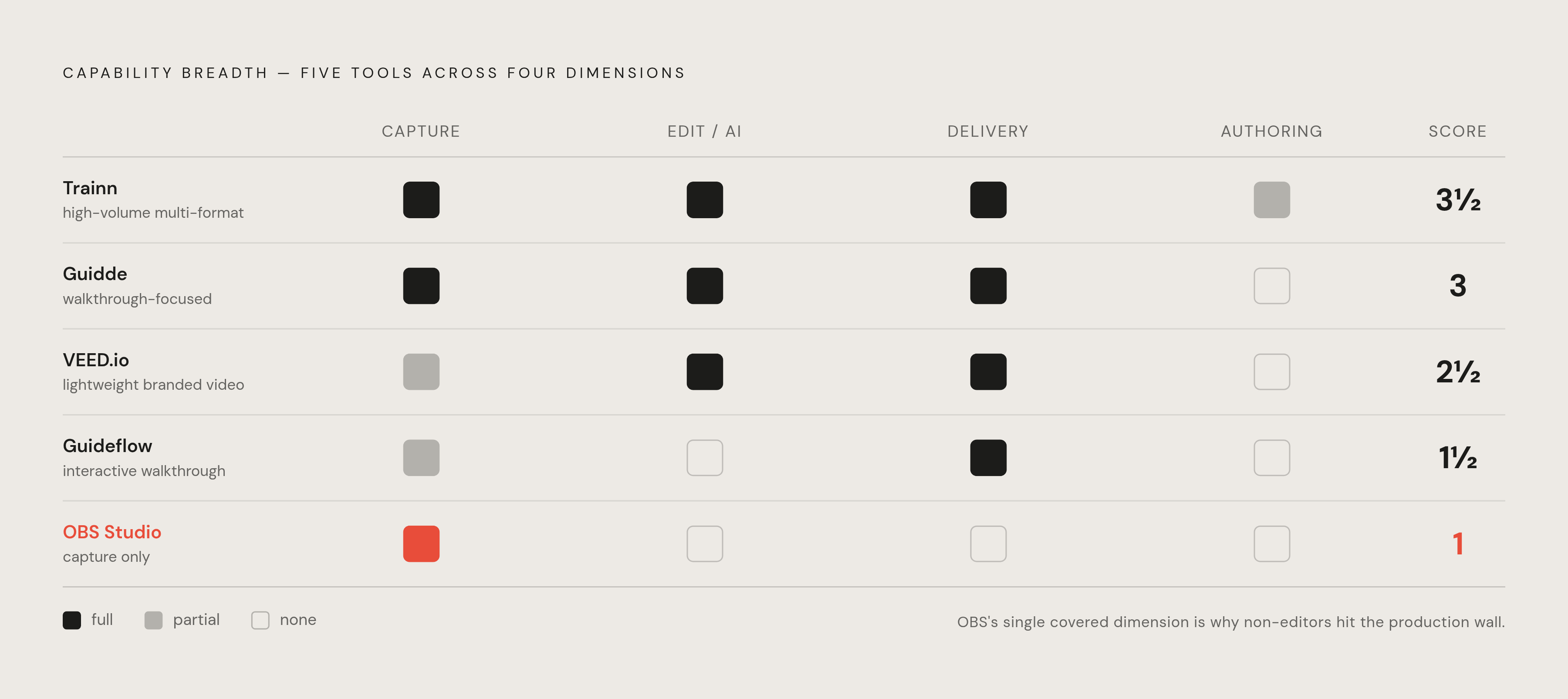
Guidde is the best fit for step-by-step software walkthroughs and knowledge base articles for customers. Its capture approach follows workflow structure, while its editing layer generates narration, annotations, smart zooms, and brand styling without manual timeline work. Delivery includes direct publishing to a knowledge base, LMS, or in-app tutorials. Its strength is structured product instruction. It is less suited to an unscripted async video message or a camera-forward presentation, so its appeal depends on whether the team primarily teaches software procedures.
Trainn suits customer success and enablement teams producing customer training at high volume. One recording produces a training video with AI voiceover, a step-by-step guide, and an interactive walkthrough, without requiring scripting, editing, or design skills. Trainn names Posist and ServiceNow as users who reduced production time from hours to minutes while maintaining consistent quality across their training libraries. Its delivery options include direct publishing to a knowledge base, LMS, and in-app tutorials. The trade-off is complexity. Multiple outputs are useful for a training operation but may be more than a team needs for a quick async clip.
VEED.io is the strongest fit here for lightweight training videos where editing and consistent branding are the priorities. It passes the capture, edit, and delivery tests, while its Brand Kit, custom templates, and team assets help creators use consistent fonts, colors, and logos without a designer approving every video. That gives non-designers a shared visual framework. Its boundary is course delivery rather than video production. It has no SCORM export, and its hosting supports sharing rather than LMS-tracked completion, so it is not a replacement for a course authoring platform.
OBS Studio belongs in this comparison as a capture specialist. It is free and open-source, with screen and webcam recording, customizable layouts, scene collections, and support for multiple audio sources. There are no watermarks or time limits. However, it has no built-in editor, hosting, or AI assistance, so the output still needs separate editing and publishing steps. It fits teams that want control over recording and already have a production workflow, but not non-editors who want to do the whole job themselves.
Guideflow serves a different purpose from a traditional screen recorder. Its interactive product training lets learners practice by navigating a clickable software walkthrough. That makes it useful where doing the task is more important than hearing an explanation, but it does not replace the full screen-recording workflow. It is best combined with a video tool when the lesson also needs an explanation layer.
The choice therefore follows the output. Guidde fits structured walkthroughs, Trainn fits high-volume training that needs several formats, and VEED.io fits lightweight branded video. OBS Studio and Guideflow solve narrower or adjacent needs. Direct publishing to an LMS also should not be confused with authoring a tracked SCORM course, since getting a video into a learning environment and building a course are different jobs.
How teams that own the full workflow actually use it — onboarding, documentation, customer success
When the person who built a feature can also record and publish its explanation, Thursday’s launch can have Friday’s training clip. Publishing without waiting for a production slot is particularly useful for onboarding and feature adoption, where a focused demonstration helps someone complete a task in the new system. A polished lesson that arrives three weeks later cannot meet the need at the time it arises.
Senja.io provides a concrete example of the value of making answers available for self-service. The testimonial collection platform adopted a help center through HelpKit covering its most common support queries, and ticket volume dropped by half. Customers could find answers without waiting for a response, freeing the support team for higher-value conversations. That outcome reflects the help center’s performance.
Recorded demos also let the same explanation travel without another meeting. A clip can appear on a pricing page, in a welcome email, in a help center, and in outbound sales follow-ups. The calendar gets a small reprieve. Because the asset is modular, a later interface change requires replacing only the affected clip. Reuse and maintenance become part of the same production logic.
The common trap is treating every training video as a miniature film project. All-in-one tools instead make publication the natural end of recording, with review and correction inside the same workflow. One tool, owned by any team member, can produce an asset that serves onboarding, documentation, and customer success across multiple channels without another round of production.